13 Oct 2026 - 5 min read
Instagram Trends - Oct 2026
Introducing "Instagram Trends 2026" – your source for staying ahead of the game on the latest Meta craze!
Staying ahead of the latest trends on Meta (Instagram and Facebook) can be tricky, but don't worry, we’ve got you covered!
Every two weeks, we’ll update you on the hottest trends across Meta platforms, helping you stay on top of what’s catching fire on Instagram and Facebook. Whether it’s trending hashtags, viral sounds, or popular formats, we’re here to help you create content that resonates.
Please note:
- Regular updates: Instagram trends are updated every week, giving you enough time to test, learn, and adapt without the pressure to move too fast.
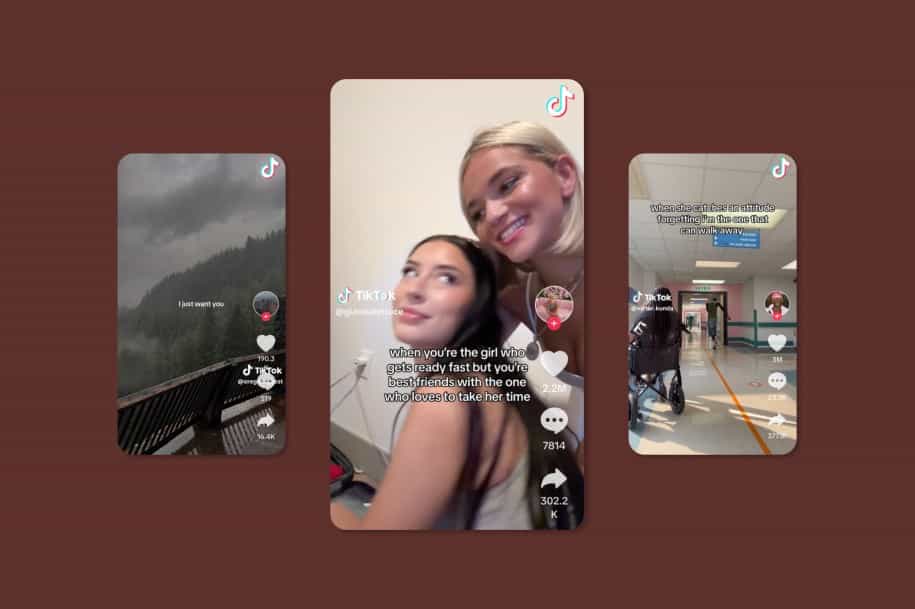
- Across platforms: Our focus here is Meta, but we also track TikTok trends on our TikTok Trends page, updated weekly. Testing trends on both platforms helps you see what really resonates.
- Stay true to the trend: Instagram favors clean, relatable, and authentic formats. Avoid forcing promo moments; short, on-trend videos that fit your brand voice perform best.
- Pick what fits: Not every trend will work for every brand. Use the ones that align with your goals and audience but we’ll flag the most relevant use cases to guide you.
13 Oct 2026
It’s officially fall
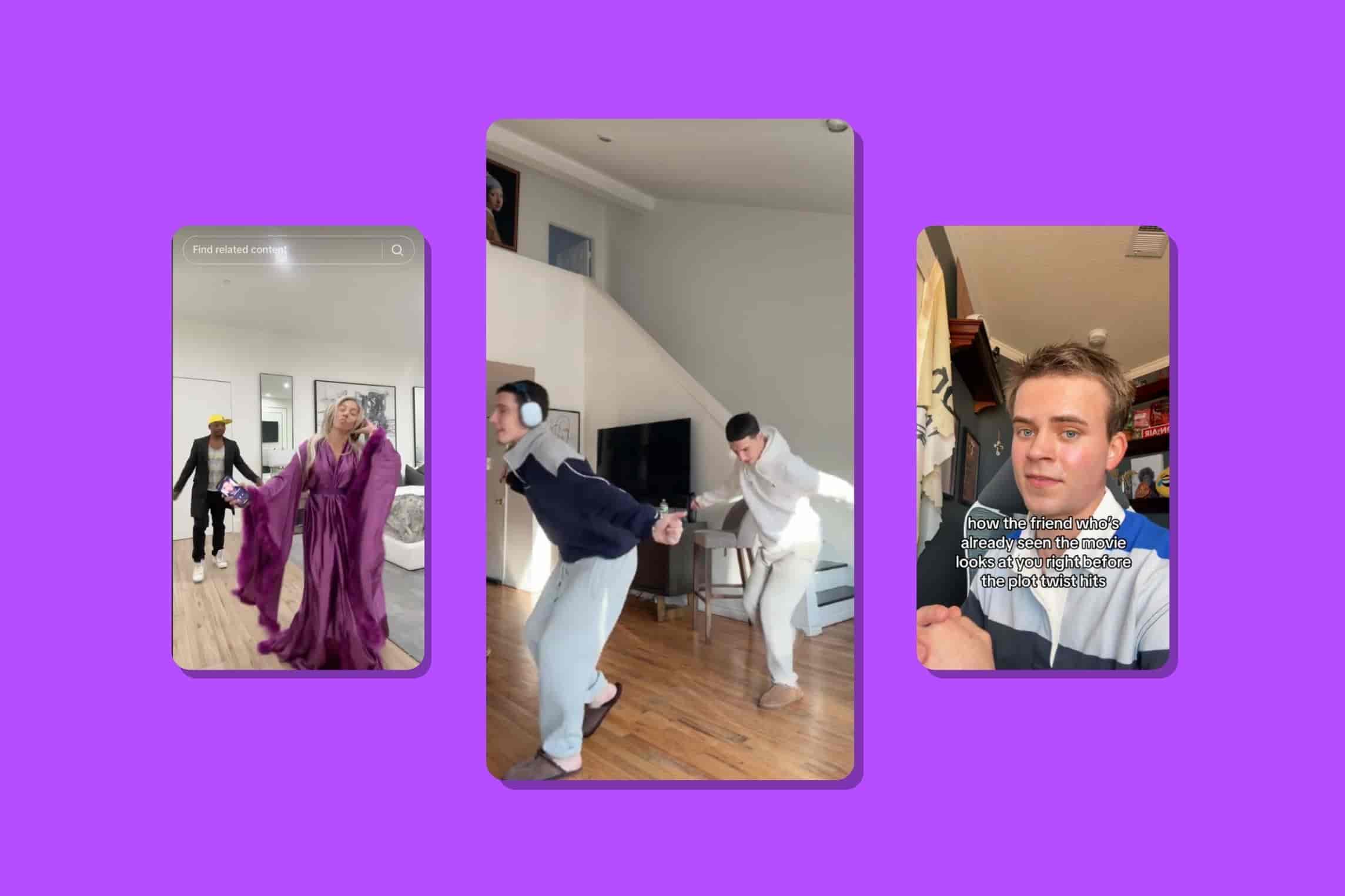
This trend is an easy way to give your content a seasonal switch-up. Start with the opening of the “It’s officially fall” audio, then use the change in the sound to reveal whatever says fall for your niche: a new product, routine, offer, outfit, or seasonal obsession.
How to do this trend
- Start by lip-syncing or acting along to the opening of the audio.
- Use the switch in the sound as your transition.
- Reveal something that signals fall in your niche.
- Keep the reveal simple and visual so the transition does the work.
How can creators do this trend
You don’t need a traditionally “fall” product to make this work. Think about what changes for your audience once September rolls around, then make that the reveal.
- Fashion: summer outfits → first fall outfit
- Food: iced coffee → pumpkin spice everything
- Fitness: outdoor summer workouts → cozy gym routine
- Study apps: summer mode → back-to-school study setup
- Finance apps: summer spending → getting your finances back on track
For this trend, use this audio.
No no no no
This trend is as simple as it gets: use the “no no no, yes yes yes” audio to show what you absolutely reject versus what you’re fully on board with. For apps, creators can contrast doing something the hard way with the easier, more satisfying way their app makes possible.
How to do this trend
- Pick a task, habit, or situation your audience can relate to
- Use the “no no no” part for the thing you don’t approve of
- Switch to “yes yes yes” for the better alternative
- Make the contrast obvious and keep the text short
How can creators do this trend
Almost any niche can turn this into a simple before-and-after. Show the manual, annoying, or outdated way first, then switch to how your product makes it easier.
- Language app: “memorizing random French vocabulary” → NO NO NO / “practicing with my app for 10 minutes” → YES YES YES
- Photo-cleanup app: “deleting 4,000 photos one by one” → NO NO NO / “swiping through and cleaning my camera roll” → YES YES YES
- Finance app: “doing my budget in a spreadsheet” → NO NO NO / “checking everything in one app” → YES YES YES
For this trend, use this audio.
5 Oct 2026
My reaction if
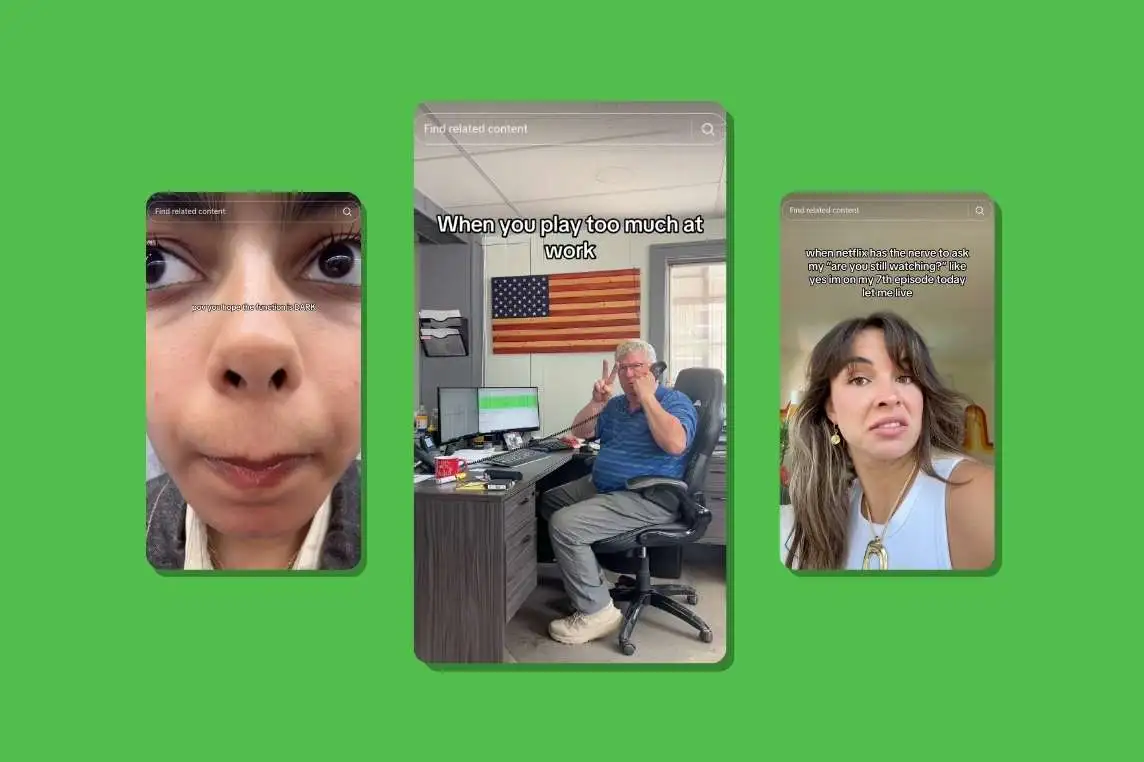
This trend is all about reacting to how difficult something looks without the right tool. Instead of sticking to numbers, creators show a series of situations that get progressively more ridiculous, using only their facial expressions to react. For apps, that can mean reacting to someone doing something the hard way when there’s an app that makes it much easier.
How to do this trend
- Pick an everyday task your app makes easier.
- Show different ways someone could approach it, from reasonable to unnecessarily complicated.
- React to each one with your facial expressions getting more and more dramatic.
- Make the final reaction the biggest one when the person chooses to do it the hard way instead of using your app.
How can creators use this trend
The format works well for apps because the “acceptable vs. ridiculous” contrast can naturally highlight what the product does without turning the video into a product demo.
- reacting to your friend manually deleting 5,000 photos instead of using a photo-cleanup app
- reacting to your friend planning an entire trip across five different tabs instead of using a travel app
- reacting to your friend trying to build a workout routine from random TikTok videos instead of using a fitness app
For this trend, use this audio.
Getting robbed
This trend is all about being so distracted by something on your phone that you completely miss what’s happening around you. The creator acts totally unbothered while someone steals their bag, with the text overlay revealing what could possibly be important enough to deserve that level of distraction.
How to do this trend
- Film yourself completely focused on your phone while someone casually takes your bag
- Add a text overlay explaining what has your full attention
- Make the reason specific enough that your audience immediately gets why you’d be distracted
How can creators do this trend
The joke can be adapted to pretty much any niche, just make the thing on your phone something your audience would genuinely get excited about.
- Dating: getting robbed but I just matched with my dream guy
- Study apps: getting robbed but I just got off the waitlist
- Language apps: getting robbed but I finally understood what they were saying in French
- Travel: getting robbed but I just found flights for €200
For this trend, there are several audios being used. Go with something that is trending
Instagram Trends January | Instagram Trends February | Instagram trends March | Instagram Trends April | Instagram Trends May | Instagram Trends June | Instagram Trends July | Instagram Trends August | Instagram Trends September | Instagram Trends October |
.webp)



.webp)
.webp)
.webp)

.jpg)


%20(1).jpg)




.jpg)




.jpg)








.jpg)