29 June 2026 - 5 min read
Instagram Trends - June 2026
Introducing "Instagram Trends 2026" – your source for staying ahead of the game on the latest Meta craze!
Staying ahead of the latest trends on Meta (Instagram and Facebook) can be tricky, but don't worry, we’ve got you covered!
Every two weeks, we’ll update you on the hottest trends across Meta platforms, helping you stay on top of what’s catching fire on Instagram and Facebook. Whether it’s trending hashtags, viral sounds, or popular formats, we’re here to help you create content that resonates.
Please note:
- Regular updates: Instagram trends are updated every week, giving you enough time to test, learn, and adapt without the pressure to move too fast.
- Across platforms: Our focus here is Meta, but we also track TikTok trends on our TikTok Trends page, updated weekly. Testing trends on both platforms helps you see what really resonates.
- Stay true to the trend: Instagram favors clean, relatable, and authentic formats. Avoid forcing promo moments; short, on-trend videos that fit your brand voice perform best.
- Pick what fits: Not every trend will work for every brand. Use the ones that align with your goals and audience but we’ll flag the most relevant use cases to guide you.
Want creators to turn these trends into ads for your brand or your clients? 👉 Book a demo here.
29 June 2026
I would do anything for you
A classic friendship joke! One person confidently says: "I would do anything for you."
The second person then asks them to do one very specific thing... And suddenly, the first person walks away!
Person 1 acts like they'd do absolutely anything, but the moment they're asked to do something they genuinely don't want to do, they immediately walk away.
How to do the trend
- Film with two people.
- Person 1: "I would do anything for you."
- Person 2: "How about ___?"
- As soon as the question is asked, Person 1 walks away without answering.
How can creators use it:
For brands, the joke works best when the request involves doing something manually instead of using the app or product.
Finance
- Person 1: "I would do anything for you."
- Person 2: "How about tracking your budget in a notebook again?"
- Person 1: walks away
Universal
- Person 1: "I would do anything for you."
- Person 2: "How about not using [app]"
- Person 1: walks away immediately
For this trend, use this audio.
22 June 2026
Carousel mini vlog
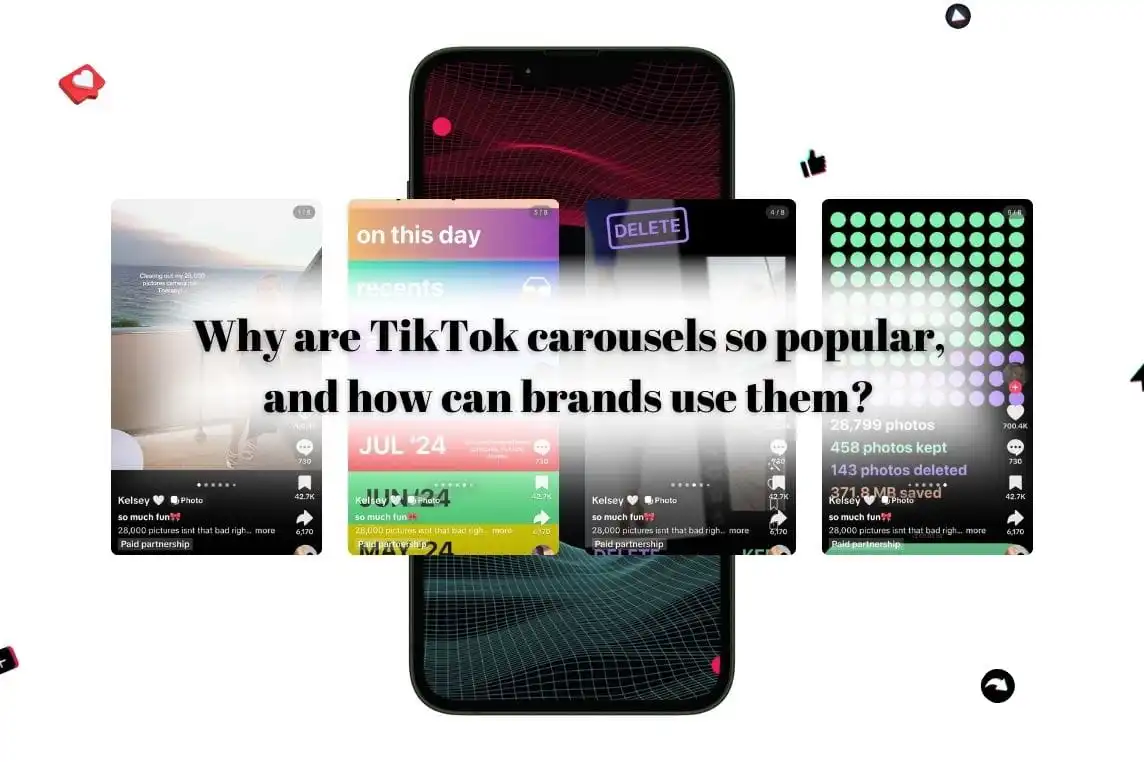
Carousels are not new but soo many different formats are coming up that we had to include this in our trend list!!
Instead of filming a vlog, creators break their day into a series of photos that capture different moments, routines, or activities. Each slide reveals a new part of the story, encouraging people to keep swiping to see what happens next.
It feels personal, easy to consume, and much more intentional than a traditional photo dump.
How to do the trend
- Choose a day, routine, or experience to document
- Use each slide to show a different moment: morning coffee, commute, work setup, lunch break, etc
- Keep the photos cohesive so the carousel feels like one story
- Mix close-up details, wide shots, screenshots, and candid moments to create variety
- The goal is to make viewers want to keep swiping until the last slide.
How can creators use it:
Micro-vlog carousels are a great way to make a product or app feel like a natural part of your routine rather than the entire focus of the content.
Instead of leading with the product, introduce it around slide 3 or 4 as part of your day.
⚠️ One tip: don't spend time comparing your app or product to competitors. The goal is to show it naturally fits into your lifestyle.
15 June 2026
Girl grip
This trend is built around the surprisingly impressive ability to carry your entire personality in one hand!
Creators gather a collection of items that represent their lifestyle, routine, job, or interests, then balance everything together while showing it off to the camera.
The result is simple, satisfying, and surprisingly addictive to watch because viewers immediately start decoding what each item says about the person.
How to do the trend
- Gather items that represent your lifestyle, work, or daily routine
- Hold them all in one hand and film a clean, static shot
- Add text overlay: "girl grip"
- The items should tell a story about who you are: coffee, keys, lip balm, notebook, headphones, snacks, sunglasses, etc
- Keep the background simple so the items remain the focus.
How can creators use it:
Instead of only holding physical objects, hold your phone with the app open and facing the camera.
⚠️ Choose accessories that don’t steal the attention from the screen.
- Productivity: hold planner, laptop, phone displaying the productivity app
- Finance: hold coffee, wallet, keys, phone displaying the budgeting app
- Health: hold water bottle, protein bar, gym pass, phone displaying the health app
For this trend, use this audio.
Plan A Plan B
This trend plays on the idea of having a backup plan.
Creators stay in the same position while different outcomes appear around them. We're seeing a simpler version perform particularly well: Plan A vs Plan B.
For UGC, you can use the format to highlight a clear before-and-after transformation. Plan A shows the problem. Plan B shows the solution.
How to do the trend
- Stay in the same position throughout the video
- Add text overlays: Plan A, Plan B
- Plan A should show the struggle, frustration, or problem
- Plan B should show the improved version after using the app or product
How can creators use it:
Dating
- Plan A: At home on a Friday night, scrolling endlessly, hanging out with the cat 😭
- Plan B: Dressed up, heading out on a date, with the app subtly shown on screen.
Finance
- Plan A: Checking multiple bank accounts, random spreadsheets, complete confusion.
- Plan B: Budget organized, savings goals under control thanks to the app.
For this trend, use this audio.
8 June 2026
Can we reschedule
This trend is for anyone who has ever pretended to be disappointed when plans got cancelled… while secretly celebrating 😭
The creator acts slightly upset at first, then the video cuts to them already in pajamas, under a blanket, eating snacks, or fully settled on the couch.
It's simple, relatable, and perfect for everyday lifestyle content.
How to do the trend
- Start with a text message on screen: “can we reschedule?”
- React as if you're disappointed or inconvenienced
- Then cut to reality: comfy clothes, snacks, blanket burrito mode
How can creators use it:
Creators can use the second half of the video to show what they’d rather be doing with the app or product.
- budgeting or getting their finances together
- happily planning the week or clearing their to-do list with the app
- doing a workout, meal prepping, journaling, or following a wellness routine
For this trend, use this audio.
Wait let me wipe the camera
Creators start by filming an empty space, then swipe or cover the camera with their hand. When the camera is uncovered, something new appears in the frame.
The transition is quick, satisfying, and easy to recreate, which is why it's performing so well across different niches.
It works especially well for showing a transformation, introducing something new, or putting the spotlight on a person, product, or result.
How to do the trend
- Film an empty space or simple setup
- Cover the camera with your hand (or wipe across the lens)
- Remove your hand to reveal: a product, a finished result, a transformation
- Keep the transition smooth and timed to the beat for the best effect.
How can creators use it:
- Productivity: reveal an organized calendar, completed tasks
- Finance: show financial goals achieved, spending insights
- Health: show meal prep, workout progress
For the trend, use this audio.
1 June 2026
The story of how i died for 30 seconds
This trend is all about the dramatic audio. Creators pair it with completely exaggerated situations that “almost killed them” emotionally, mentally, or financially.
The joke is that the problem is usually something very normal, but the reaction looks like a full cinematic collapse.
How to do the trend
- Start with text overlay: “when ___ nearly kills you”
- Film yourself lying dramatically on the floor like you’re lifeless or unconscious
- Scatter objects around you to make the scene feel chaotic: laptop, snacks, purse, water bottle, etc.
- Then when the beat drops, suddenly “come back to life” and start fixing the problem
How can creators use it:
Show how the app/product helped you come back to life because it simplified the whole process.
- “when tracking expenses manually nearly kills you”comes back to life after opening the budgeting app
- “when meal planning for the week becomes a full-time job”the app helps you with recipes
For this trend, use this audio.
Master of none
This trend is all about embracing the fact that you don’t have to be amazing at something to enjoy it.
Use the “master of none” concept to show all the random hobbies, phases, interests, and skills you’ve picked up over time, even if you’re not perfect at any of them.
It feels very human, very “trying things for fun again,” and people love it because it celebrates curiosity instead of perfection.
How to do the trend
- Show different hobbies, routines, or interests through short clips: painting, baking, journaling, running, gaming, etc
- Add text overlay referencing being a “master of none” or trying lots of things
- The vibe should feel casual, playful, and personal rather than overly polished
How can creators use it:
Use the trend to show how the app or product supports all the different parts of your life.
- Productivity: Show multiple hobbies while using the app to stay organized.
- Finance: Show all the expensive hobbies or random interests you somehow keep funding.
- Health: Show different wellness phases: pilates, running, meal prep…The app becomes the thing helping maintain balance between all the habits.
For this trend, use this audio.
Instagram Trends January | Instagram Trends February | Instagram trends March | Instagram Trends April | Instagram Trends May | Instagram Trends June | Instagram Trends July | Instagram Trends August | Instagram Trends September |
.webp)


.webp)
.webp)
.webp)

.jpg)


%20(1).jpg)



.jpg)




.jpg)






.jpg)