28 Sept 2026 - 5 min read
Instagram Trends - Sept 2026
Introducing "Instagram Trends 2026" – your source for staying ahead of the game on the latest Meta craze!
Staying ahead of the latest trends on Meta (Instagram and Facebook) can be tricky, but don't worry, we’ve got you covered!
Every two weeks, we’ll update you on the hottest trends across Meta platforms, helping you stay on top of what’s catching fire on Instagram and Facebook. Whether it’s trending hashtags, viral sounds, or popular formats, we’re here to help you create content that resonates.
Please note:
- Regular updates: Instagram trends are updated every week, giving you enough time to test, learn, and adapt without the pressure to move too fast.
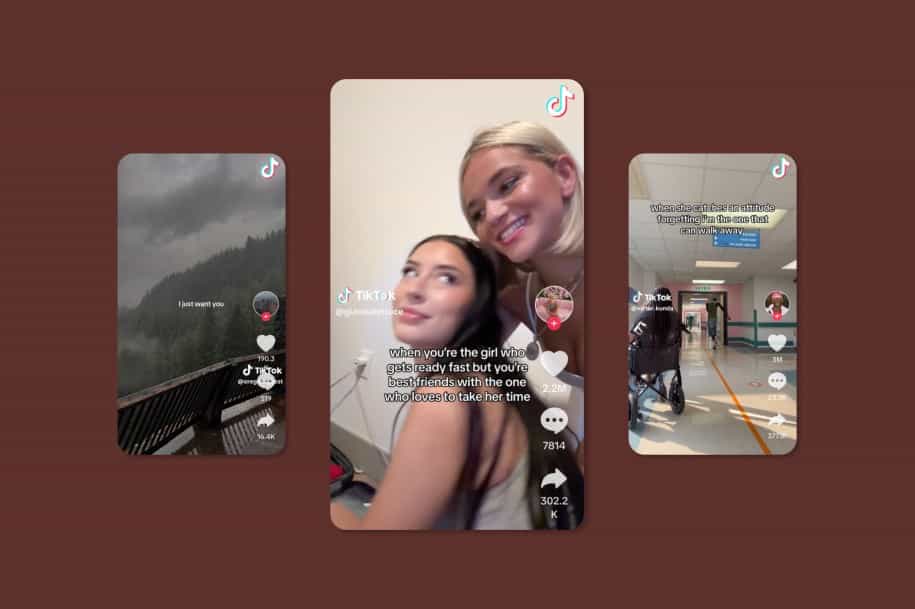
- Across platforms: Our focus here is Meta, but we also track TikTok trends on our TikTok Trends page, updated weekly. Testing trends on both platforms helps you see what really resonates.
- Stay true to the trend: Instagram favors clean, relatable, and authentic formats. Avoid forcing promo moments; short, on-trend videos that fit your brand voice perform best.
- Pick what fits: Not every trend will work for every brand. Use the ones that align with your goals and audience but we’ll flag the most relevant use cases to guide you.
28 Sept 2026
One question, one word
This format turns ChatGPT into a little personality quiz, with the answer becoming the visual reveal. Creators start with “I’ll ask you a question. Answer in one word.” and then ask specific questions like “What kind of flower am I?” The one-word answer then dictates the visuals that follow. If the answer is “Peony,” for example, the rest of the slideshow becomes a collage of peonies.
How to do this trend
- Start with the prompt: “I’ll ask you a question. Answer in one word.”
- Ask a specific, personality-based question that can lead to a strong visual answer.
- Turn the answer into the visual direction for the rest of the post.
- If you’re promoting an app, work at least one screenshot into the visuals so the product feels like part of the trend rather than an ad.
How can creators use this trend
The key is choosing a question where the one-word answer can naturally become something people want to see.
- “Where should I disappear to for a week?” → a destination reveal with photos, maps, and a screenshot from the travel app
- “What song describes my current life?” → the answer becomes the soundtrack, with the music app appearing naturally in the slideshow
- “What kind of workout do I need today?” → the answer becomes the workout, with a screenshot of the app’s recommended routine woven into the visuals
For this trend, use this audio.
When he’s trying to have a serious conversation
This audio is perfect for those moments when someone is trying to have a serious conversation, but your attention is very much somewhere else. The audio plays a serious conversation while the creator on camera looks distracted by something off-screen.
How to do this trend
- Use the audio and act like you’re listening to a very serious conversation
- Add the text overlay: “when he’s trying to have a serious conversation but I just…”
- Fill in the blank with a specific thing your audience would genuinely get distracted by
- Show the product or app as the thing that has completely stolen your attention
How can creators use this trend
This works especially well for apps because the distraction can be whatever your product helps people do. Keep the text specific and a little ridiculous so it feels like a real-life distraction rather than an ad.
- …but I just matched with someone on [dating app]
- …but I just found an app that can clean up my storage
- …but I just downloaded an app to plan my entire workout routine
- …but I just discovered an app that tells me where to spend my next vacation
For this trend, use this audio.
21 Sept 2026
Training season manifest
Using Dua Lipa’s “Training Season”, creators share something they’re convinced is coming their way, whether that’s a new goal, lifestyle, opportunity, relationship, or simply something they want more of.
The fun is in acting like it’s already on its way.
How to do the trend
- Add a text overlay saying what you’re calling into your life.
- Use the audio while showing yourself doing something that matches it.
- Keep it specific, aspirational, or a little delusional
- You can also make it funny by manifesting something very niche or oddly specific.
How can creators use this trend
For UGC creators, show the product as part of the life you’re manifesting.
- Manifesting good grades because I started using [app]
- This is the year I actually become consistent with the gym thanks to [app]
- If I get good grades this semester, just know [app] did most of the work
For this trend, use this audio.
Spin transition
The fun of this format comes from a simple camera transition that moves seamlessly between different moments while staying in sync with the audio. It works especially well for showing different parts of a routine, product, or experience.
How to do the trend
- Move your phone quickly from left to right, slowing down for a second when your face comes into frame to lip-sync your part. Then keep the movement going
- Start every new clip with the same left-to-right movement so the shots flow seamlessly into each other
- You can film each clip in a different location, outfit, or setting
How can creators use this trend
The repeated movement makes it easy to pack multiple moments into one short video without it feeling like a standard product demo. Use the transition to show:
- a day in their life,
- different stages of using a product,
- different categories/features within the product
For this trend, use this audio.
14 Sept 2026
Cozy girl autumn
Forget hot girl summer, cozy girl autumn is here.
This trend shows a montage of everything that makes fall feel good: slow mornings, warm drinks, autumn walks, layered outfits, candles, cooking, studying, or simply staying in.
And you don’t have to be a lifestyle or fashion creator to join in. Autumn is the perfect excuse to romanticize pretty much any routine.
How to do this trend
- Start with the text “Forget hot girl summer, I’m ready for cozy girl autumn”, then cut to a montage of cozy autumn moments.
- You can show anything that fits your version of fall: getting dressed, making coffee, going for a walk, studying, cooking, working, shopping, or having a quiet evening at home.
How can creators use this trend
Show the product as part of a slower, more intentional autumn routine rather than making the video feel like a product demo. The more the product feels like part of your cozy autumn life, the more naturally the trend works.
- Study: Show a cozy study session, getting organized for the new semester, or settling into a new study routine with a learning or study app.
- Finance: Make autumn your “getting my money together” season like budgeting for the holidays, saving for gifts, or getting your spending under control.
- Meal prep: Turn meal planning or cooking into a cozy Sunday autumn ritual, with the product naturally worked into the routine.
- Fitness: Swap intense summer fitness content for cozy walks, Pilates, gym sessions, or a workout routine you actually look forward to.
For this trend, use this audio.
No time for stupid questions
This one is all about acting before answering.
The video plays out like a quick conversation where Person A asks an obvious question, Person B says they don’t have time, and then hits them with “time for stupid questions.” The joke is that they’ve already done exactly what Person A was asking about.
How to do this trend
- Write the dialogue on screen and play both characters yourself, using a simple accessory or change of outfit to tell them apart.
- Act out the conversation as written, then have Person B already doing or holding whatever Person A asked about.
How can creators do this trend
Make the question about something your product helps people do faster or more easily. Person B should already be using the product or enjoying the result when Person A asks the question, making it clear that they’ve already solved the problem while Person A is still asking.
Example:
Person A: “Should we practice French with this app?”
Person B: “I don’t have time.”
Person A: “Time for what?”
Person B: “Time for stupid questions.”
→ Person B is already doing a lesson on the app.
You can use any trending music for this trend.
9 Sept 2026
If i listened to the haters
This trend is all about the things people told you you couldn't do and the fact that you did them anyway.
Creators start with a discouraging comment, doubt, or piece of advice they received, then contrast it with where they are now.
It can be genuinely inspiring, but it also works when the "hater" is just someone who didn't understand your choices.
How to do the trend
- Start with the thing someone told you that you couldn't do, shouldn't do, or wouldn't be able to achieve.
- Use the text format: “If I had listened to [what people told me], I wouldn't have [what I have now].”
- Use a photo or video that shows the “look where I am now” moment.
How can creators use this trend
For UGC, the hater can be old habits, skepticism, or someone insisting there's only one way to do something.
- “If I listened to everyone who said I just needed to delete my photos manually, my phone would still be completely full.”
- “If I listened to everyone who said this wasn't worth trying, I wouldn't be here now.”
First in my bloodline
This trend takes a completely normal (or very specific) thing about your life and makes it sound like you just achieved a historic milestone.
The format is: “First in my bloodline to quit her job and become a full-time creator.”
The more dramatic the wording is compared to the actual achievement, the funnier it becomes.
How to do this trend
- Start with “First in my bloodline to…”
- Add a very specific thing you've done, discovered, or started doing.
- Pair it with a photo or short video that shows exactly what you're talking about.
- You can make the "achievement" genuinely impressive, completely ridiculous, or somewhere in between.
How can creators use this trend
- First in my bloodline to have more than 10GB of storage free
- First in my bloodline to learn 3 new languages in 3 months with [app]
2 Sept 2026
My recent flops
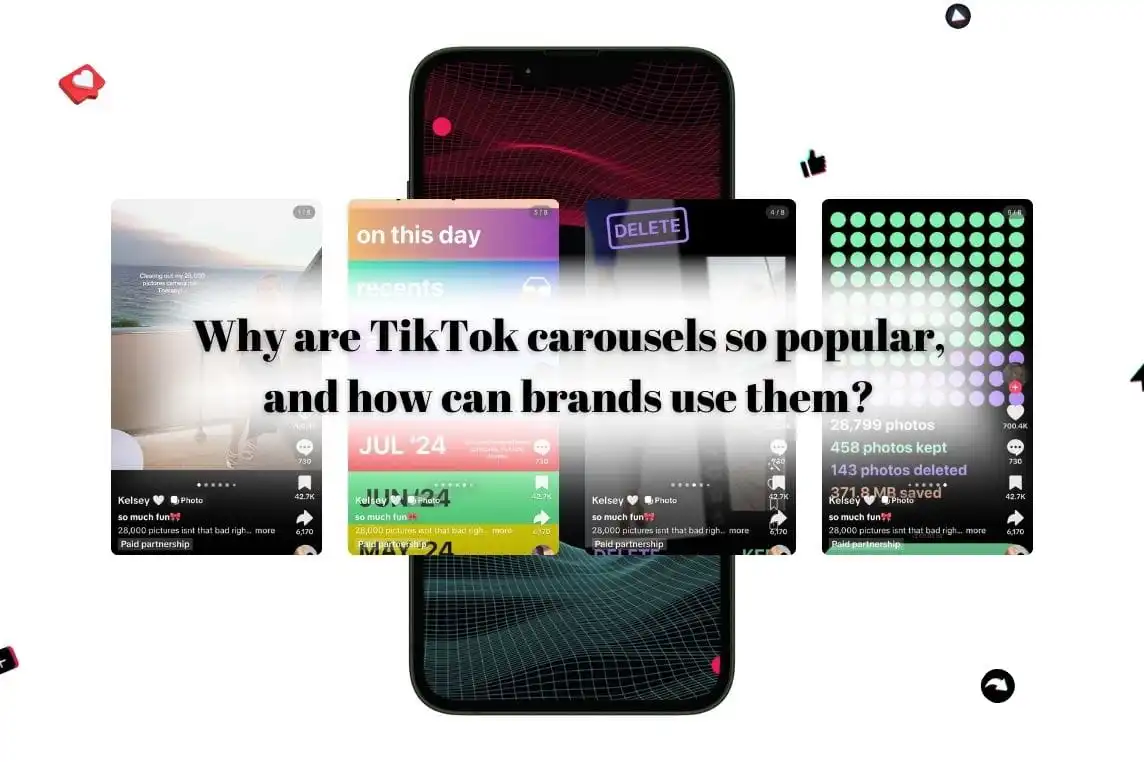
This carousel trend is all about sharing the things that didn't quite go to plan: failed ideas, missed goals, awkward moments, underperforming content, or decisions you probably wouldn't make twice.
It's relatable because it feels honest. Instead of only showing the polished version of your life, you're letting people see the experiments, mistakes, and small disasters behind it.
How to do this trend
- Create a carousel titled "My Recent Flops" and use each slide to share a different fail, mistake, or lesson.
- You can keep it funny, self-deprecating, or actually useful depending on your niche.
- A great way to introduce a product. Mention the brand, ideally by slide 4, and then continue talking about your experience, mistakes, or lifestyle around it.
This format doesn’t have a trending audio, so make sure to mention “my recent flops” somewhere on the first slide.
Everyday, once a week, once a month
This trend turns a bunch of tips and recommendations into an easy routine people can actually remember. Break everything into three simple categories: Every day, Once a week, Once a month
Each phrase comes back three times, with a new set of tips appearing on screen. It's simple, useful, and naturally saveable.
How to do this trend
- Say “every day, once a week, once a month” three times while pointing to the top, middle, and bottom of the screen.
- Add small images and short text overlay next to each point to show the tip.
- Give people useful advice first, then weave the product in naturally.
How can creators use this trend
A good rule: mention the app once in each section, then use the rest of the space for genuinely useful tips.
For this trend, use this audio.
Instagram Trends January | Instagram Trends February | Instagram trends March | Instagram Trends April | Instagram Trends May | Instagram Trends June | Instagram Trends July | Instagram Trends August | Instagram Trends September | Instagram Trends October |
.webp)



.webp)
.webp)
.webp)

.jpg)


%20(1).jpg)




.jpg)




.jpg)







.jpg)